Life-story book
The life-story book: how the biography template works
The life-story template turns a person's life into decade chapters, each built from a handful of memories. Here is how the structure works, how full a book should be, and how to build one that reads like a real book.
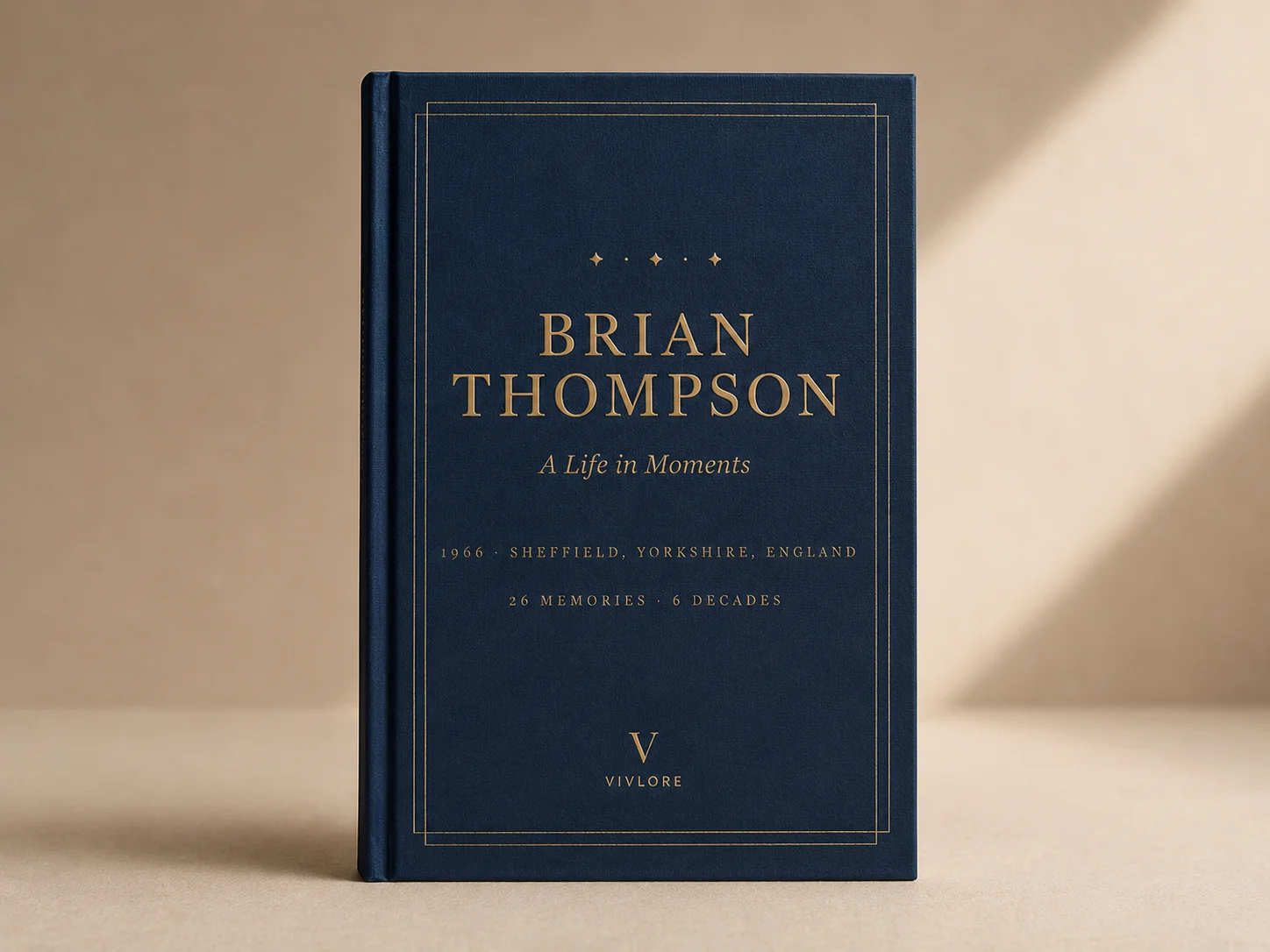
A life-story book (the biography template) tells one person's whole life, from the earliest memories to today. It is the flagship Vivlore book: a full hardback with chapters, photographs, and voices, made from the memories you and your family add.
This guide explains how the template is structured, how it gauges when a book is "full", and how to build one that reads with the rhythm of a real book rather than a photo dump.
What the template gives you
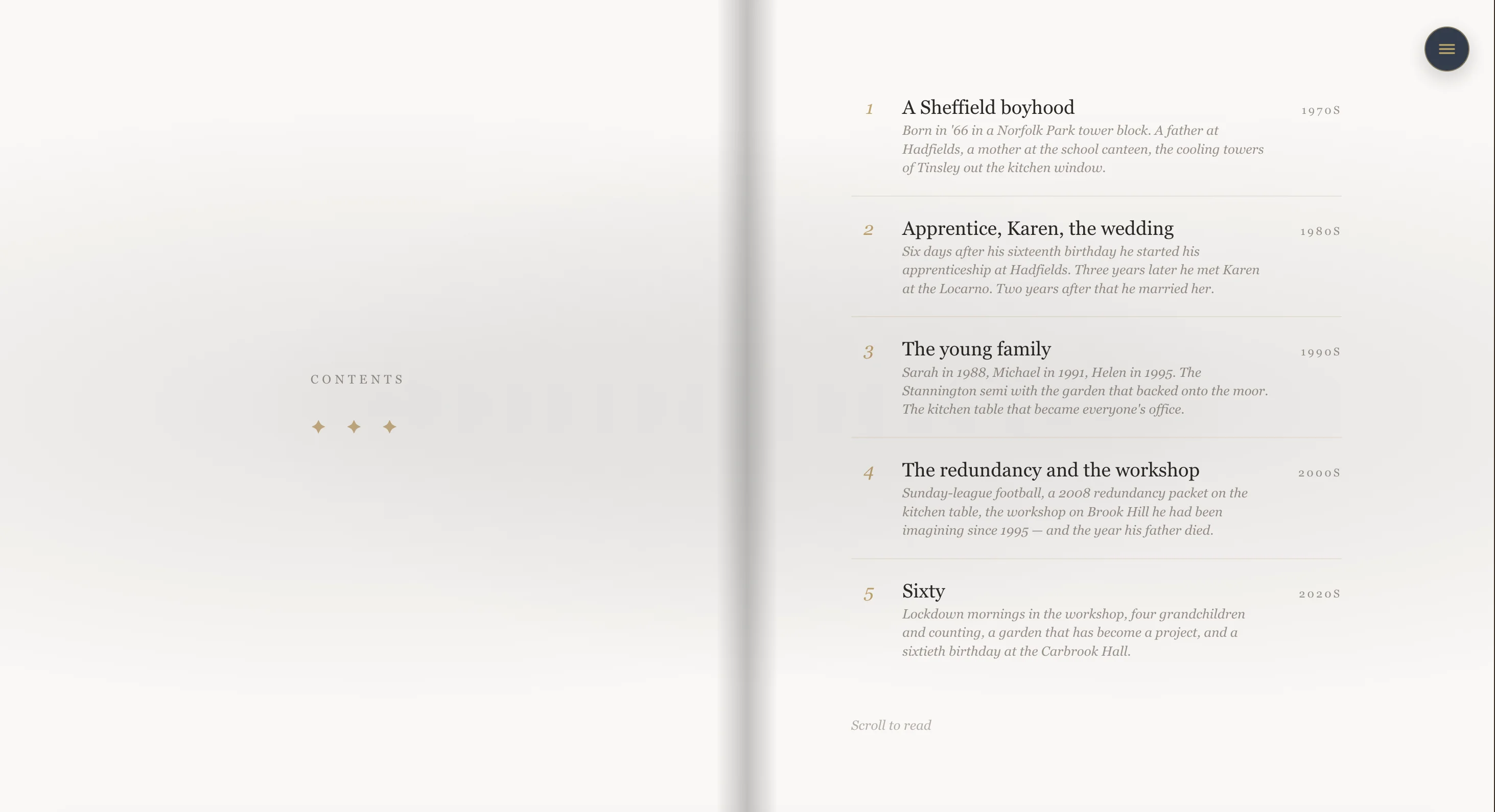
When you create a life-story book, Vivlore automatically lays out chapters by decade, derived from the person's date of birth. The 1950s, the 1960s, the 1970s, and so on. Each chapter is a container for memories (we call them moments), and each memory is a single entry: a story, a photo, a voice recording, or a short quote.
You do not start from a blank page. You start from a scaffold of decades, and you fill each one with the memories that belong there.
The five-beat chapter
The heart of the template is the shape of a single chapter. A good chapter is a small three-act story told in five beats:
| Beat | Type | Whose voice | What it does |
|---|---|---|---|
| 1 | Featured moment | The narrator, or a parent or partner | The hook. A specific date and place, photo-led. Grounds the decade. |
| 2 | Standard memory | A different voice from beat 1 | Sets the scene: work, home, who was around. |
| 3 | Standard memory | A family member | The defining event of that decade. |
| 4 | Pull quote (with audio if you have it) | The closest family member | The voice break. One line that distils the chapter. |
| 5 | Standard memory | The narrator | A quieter beat that points forward to the next decade. |
You do not have to fill every beat, and you do not have to follow it rigidly. But chapters that roughly follow this shape read far better than a flat list of equally weighted entries.
How full should a book be?
This is the question the template is really answering. A book that is too thin feels like a pamphlet; one that is too dense loses its shape. The template measures fullness in moments per chapter and number of chapters, and there are three natural sizes:
| Size | Chapters | Moments per chapter | Total moments | Roughly |
|---|---|---|---|---|
| Snapshot | 3 | 3 | 9 | ~40 pages |
| Full | 5 | 5 | 25 | ~70 pages |
| Definitive | 6 to 8 | 6 | 36 to 48 | ~120 pages |
The Full shape, five chapters of five moments, is the canonical one and the size most life stories want. Think of these as guides, not limits: a sparse decade can run to three moments, and a rich one up to six. Beyond six moments a single chapter starts to lose its shape and the reader tires, so six is a soft cap.
Pacing rules that make it read well
- No more than two or three pages of unbroken text in a row. Photos, quotes, and blank breathing space are the rest stops.
- Alternate the voices. Narrator, then a family member, then narrator again. The same voice three times in a row reads as monotone.
- One featured moment per chapter. The chapter opener is the headline. A second big moment mid-chapter steals from the first.
- Put the pull quote about two thirds of the way through the chapter. Early on it has no context; at the very end it has nowhere to land.
- If a memory has a voice recording, make it the chapter's pull quote. Audio carries the most weight when it is the voice break.
Photographs and voices
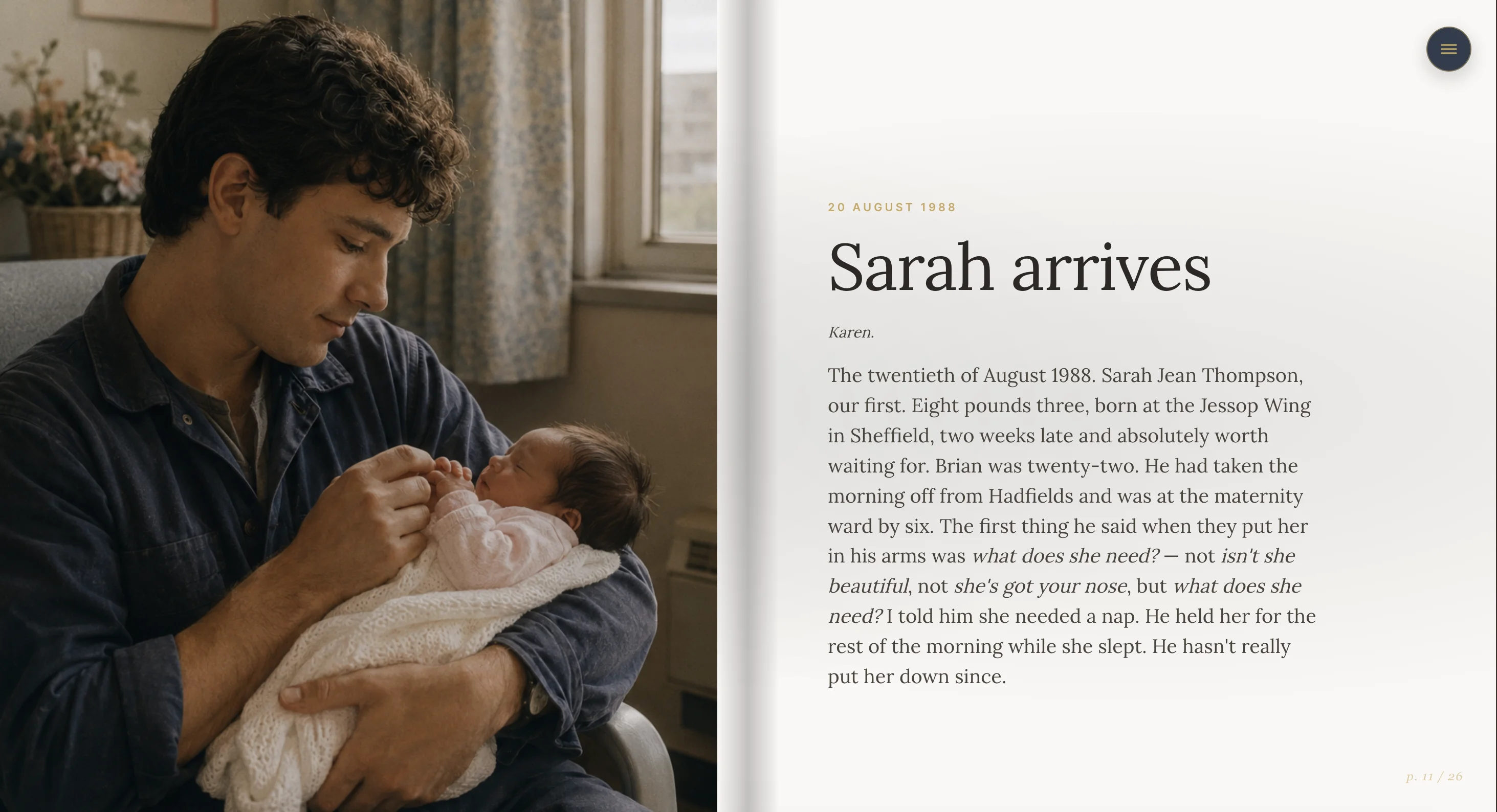
- One photo per memory. On the page it fills the whole side, edge to edge. Portrait photos sit most naturally; landscape photos are cropped to fill, so keep faces away from the far edges.
- Voice recordings attach to a memory and become the audio moment in the digital edition. In the printed book the recording is noted on the page, since paper cannot play sound.
- A short quote can stand on its own as a full pull-quote spread, the single line that sums up a chapter.
Two editions from one book
Everything you build exists in two forms:
- The digital reveal, a scrolling, chaptered web page you can share with a private link. Free to create and share.
- The printed hardback, a casewrap book with a cover, title page, dedication, contents, chapters, and a closing section of voices. You order this whenever you are ready.
The digital edition and the print edition follow the same structure, so what you build once becomes both.
How to build one, step by step
- Create the book and choose the life-story template. Add the person's name and date of birth so the decade chapters are laid out for you.
- Start with one strong chapter. Pick a decade you know well and add its featured moment first, the photo-led anchor.
- Add three or four more memories to that chapter, alternating whose voice is telling each one.
- Add a quote or a voice recording as the chapter's pull quote, about two thirds of the way in.
- Move to the next decade and repeat. Invite family to add their own memories; more voices make a richer book.
- Preview the reveal as you go to feel the pacing, then order the hardback when the story feels whole.
Frequently asked
Do I need to fill every decade? No. Empty decades are simply skipped. A life told in five strong chapters beats one padded out to ten thin ones.
Can other people help? Yes. Invite family to contribute memories and photos. Different voices are what give the book its texture.
What if I only have a few memories? Start with the Snapshot shape, three chapters of three moments, and grow it over time. The book is never locked.
Ready to begin? Create a life-story book, or see how the finished book looks.

Ready to start your book?
Creating and sharing online is free. Order a hardback whenever you are ready.
Create a free account